How to Convert Bank Statement PDF to Excel Easily (2026 Guide)
Published 2026-05-17 · Updated 2026-07-11
StatementLab utilizes AI technology to automatically convert complex bank statement PDFs into clean, organized Excel or CSV files in seconds. The tool eliminates manual data entry errors by extracting transactions, identifying merchants, and providing deep financial insights like expense categorization and subscription detection.
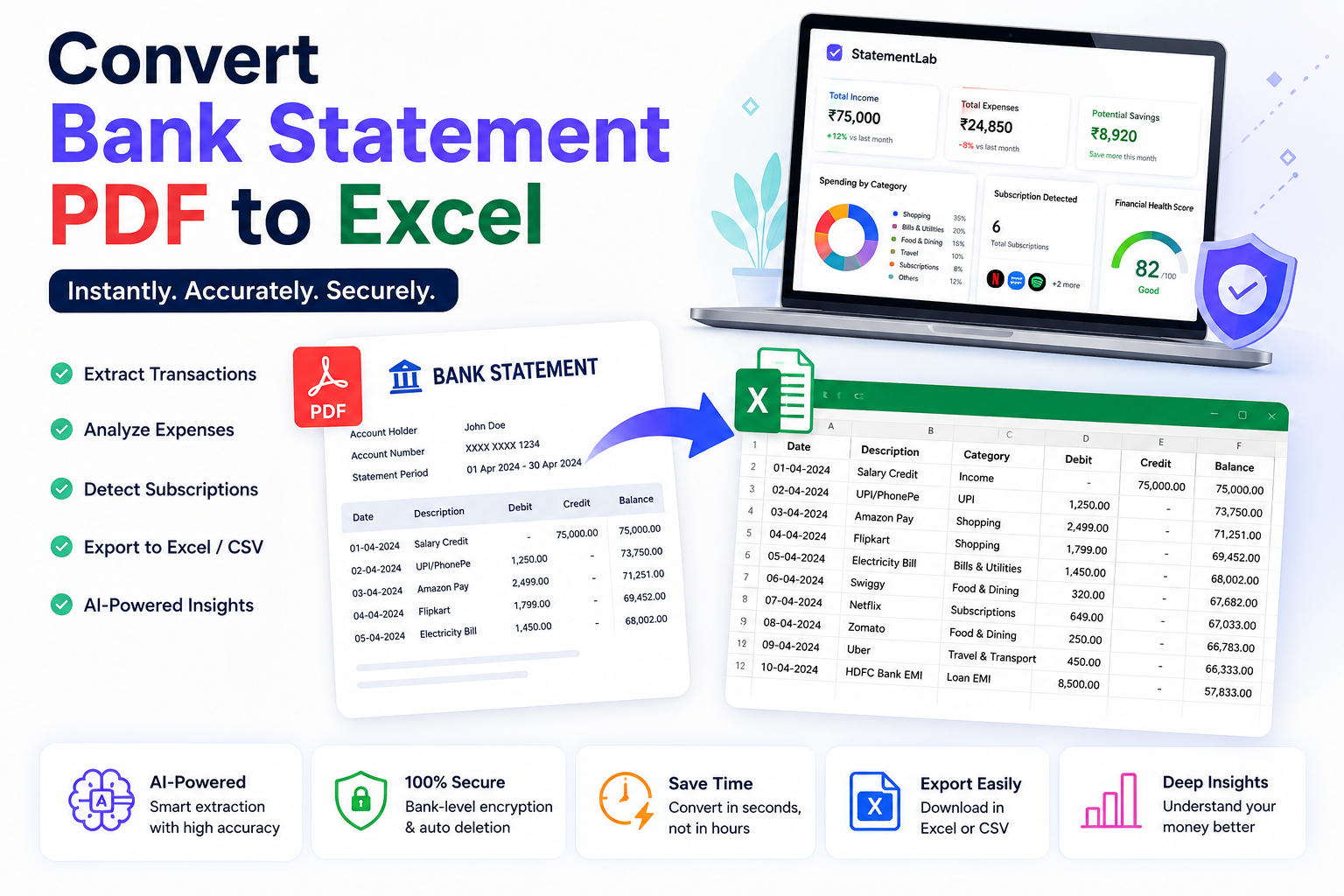
Managing finances sounds simple until you open a bank statement PDF filled with hundreds of confusing transactions, UPI payments, ATM withdrawals, subscriptions, and merchant names.
Most people waste hours manually copying transaction data into Excel sheets.
And honestly… it becomes frustrating very quickly.
The good news?
Modern AI tools can now convert bank statement PDFs into clean Excel files automatically within seconds.
In this guide, you’ll learn the easiest way to convert bank statements into Excel, analyze expenses automatically, and organize financial data without manual work.
---
# Why People Convert Bank Statements to Excel
Excel makes financial analysis much easier.
Instead of scrolling endlessly through PDFs, you can:
This is especially useful for:
---
# Problems With Manual Conversion
Many users still manually type bank transactions into Excel.
But this creates multiple problems:
Scanned PDF statements become even harder to manage.
That’s why AI-powered bank statement analysis tools are becoming popular in 2026.
---
# Best Way to Convert Bank Statement PDF to Excel
The fastest method is using an AI-powered bank statement converter.
Tools like StatementLab automatically:
without manual formatting.
---
Step 1 — Upload Your Bank Statement PDF
Open the tool and upload your statement PDF securely.
Most modern tools support:
and many other Indian banks.
---
Step 2 — AI Extracts Transactions
The AI automatically scans:
The process usually takes only a few seconds.
---
Step 3 — Review Financial Insights
Instead of getting only raw Excel data, advanced tools now provide:
This helps users understand where their money actually goes every month.
---
Step 4 — Export Clean Excel or CSV Reports
Once processing is complete, you can instantly export:
This makes accounting and financial planning much easier.
---
# Final Thoughts
Bank statements contain much more than transaction history.
With modern AI tools, they can reveal:
Instead of wasting hours on manual Excel work, smart automation can now organize everything in seconds.
If you regularly manage financial data, converting bank statements into Excel is no longer just a convenience — it’s becoming essential.
FAQ
What are the risks of manually copying bank transactions into Excel?
Manual conversion is time-consuming and prone to human errors, duplicate entries, wrong calculations, and poor formatting, especially when dealing with scanned PDFs.
What features do AI bank statement converters offer?
AI tools like StatementLab extract transaction data, identify merchants, categorize expenses, detect subscriptions, and provide expense analysis and financial health scores.
Which Indian banks are compatible with StatementLab?
StatementLab supports major Indian financial institutions including HDFC Bank, SBI, ICICI, Axis Bank, Kotak, PNB, and Canara Bank.
What file formats can I export my bank data into?
Users can export their processed financial data into clean Excel reports or CSV files for easy accounting and planning.
What financial insights can be gained from converting a statement?
Beyond raw data, StatementLab provides merchant analysis, budget recommendations, loan eligibility estimations, and spending category insights.